When your administrator creates your account, Epesi automatically e-mails you your login details:
- login name (for example:
jdoe) - password (randomly generated, unless your administrator set one manually)
- a link to the application (for example:
http://crm.yourcompany.com)
Log in and change your password as soon as possible.
Logging in
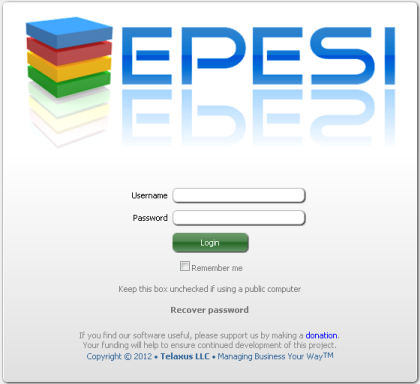
Enter your username and password. If this is your own personal computer, check Remember me to stay logged in between visits — leave it unchecked on a public or shared computer.
Changing your password
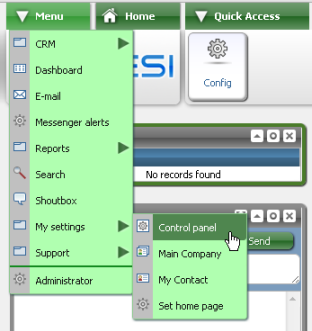
After logging in, go to Menu → My Settings → Control Panel.
The Control Panel holds the settings that apply only to your own account — anything system-wide has to be changed by an administrator instead.
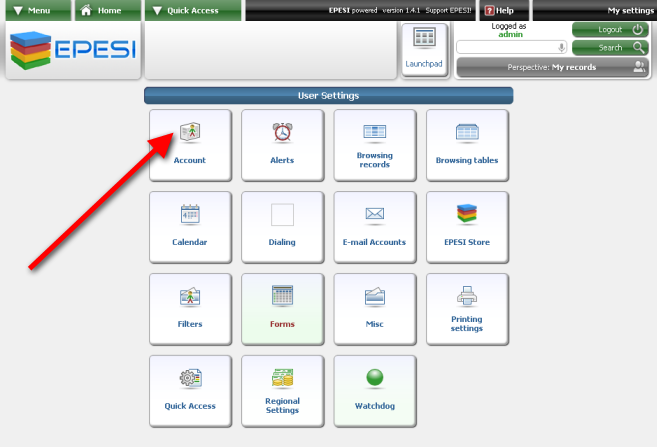
Click Account. Enter your new password twice and your current password to confirm the change; your e-mail address is pre-filled from what's already on file, but you can update it here too.
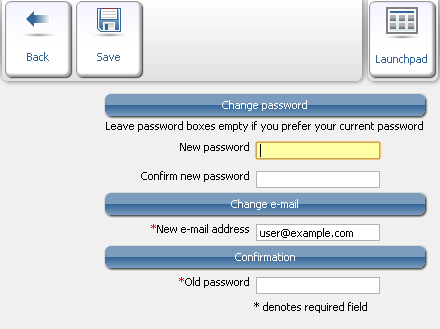
Click Save.