Adding/Deleting Events
Adding
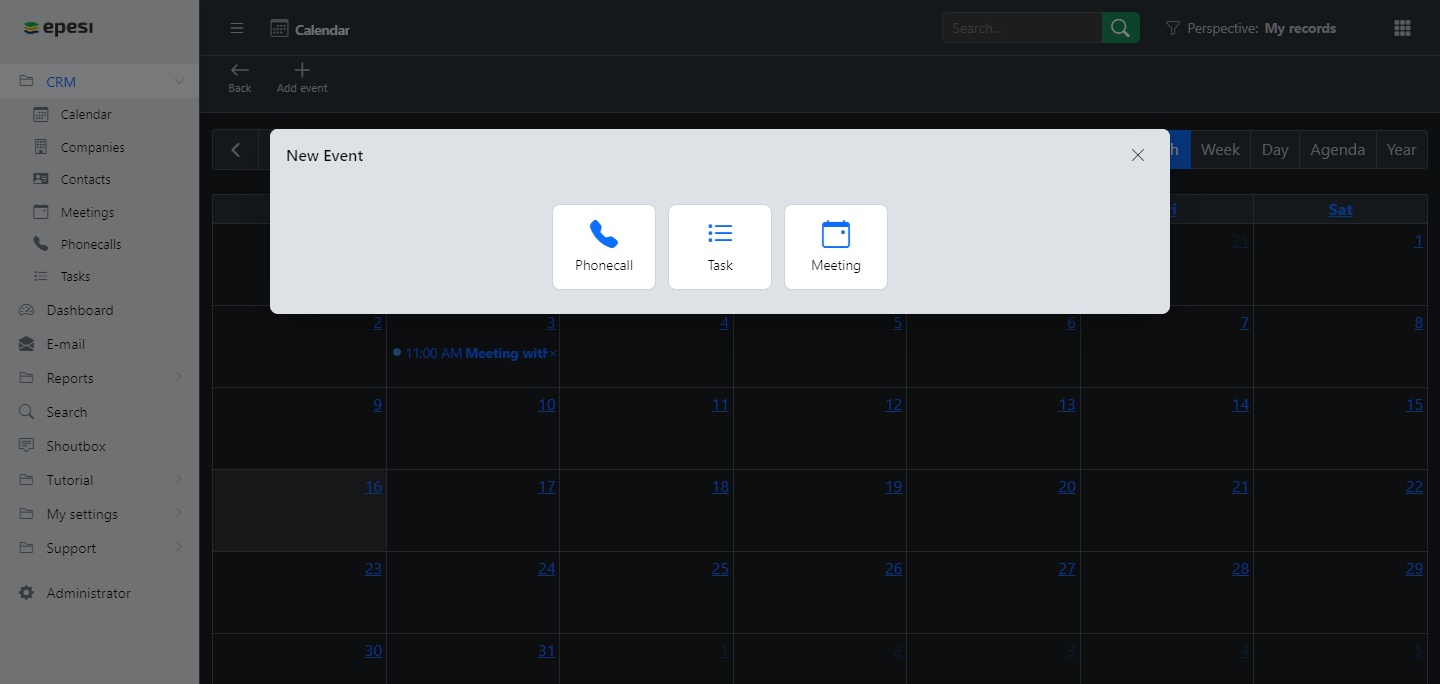
Click Add event (pictured) and fill in the form. You can also start from a grid view: double-click a cell in Day or Week view to open the form pre-filled with that date and time, or click a cell in Month view to pre-fill just the date.
Deleting
First display the event, in Agenda or any grid view, then:
- From Agenda — click the icon in the event's Actions column.
- From any grid view — either:
- Click the icon on the event frame, then click .
- Drag the event frame onto the deletion area.
Click OK in the confirmation box to finish.